Rec Builder – FAQ

The Recommendation Builder serves as the Planning/Proposal tool for Hibu One and all additional products, including Hibu One Add-Ons. Sales reps are required to use the Recommendation Builder to make changes to Hibu One configurations, Add-On configurations, Local Ranking, and Local Ranking Add-Ons.

Step 1: Client Information

What options are available for existing SOP/OFS clients when using the Recommendation Builder?

Step 1: Client Information

How do I update the Listing Category?

How do I find out what categories are restricted or prohibited?

Step 2: Hibu One Offerings & Page Selection 

My client wants Hibu One, but they have a 3rd party website that they want to keep. Does this change the price for Hibu One?

How do I select pages for the client's website?

Why can't I deselect the Required Pages?

Why aren't any webpages showing for my client's Listing Category?

What if the webpage I want to add isn't available in the tool?
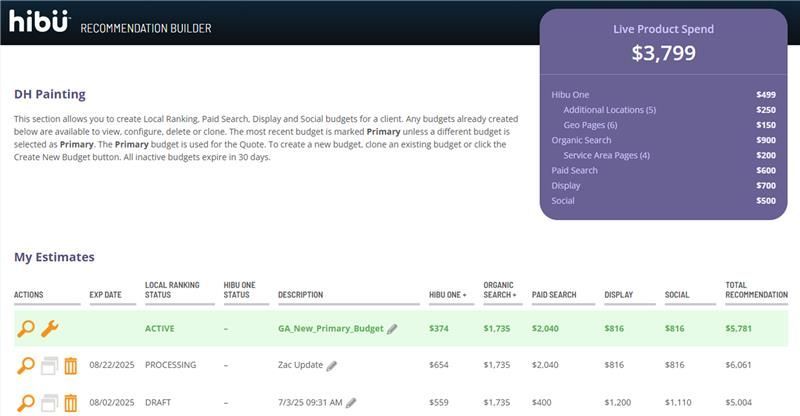
Step 2.5: Available Add-ons for Hibu One

How many Additional Locations can I add for my client?

How many Geo Pages can I add for my client?

Step 6: Select Organic Keywords

What do I do if I don't see the keyword my client wants to purchase in the list of Organic Keywords for Local Ranking?

When I navigated to Step 6, my client's account showed a "Budget Increase Available" message. What does that mean?

Step 6.5 Organic Keywords / Available Add-Ons

How many Service Areas are allowed for Service Area Pages?